

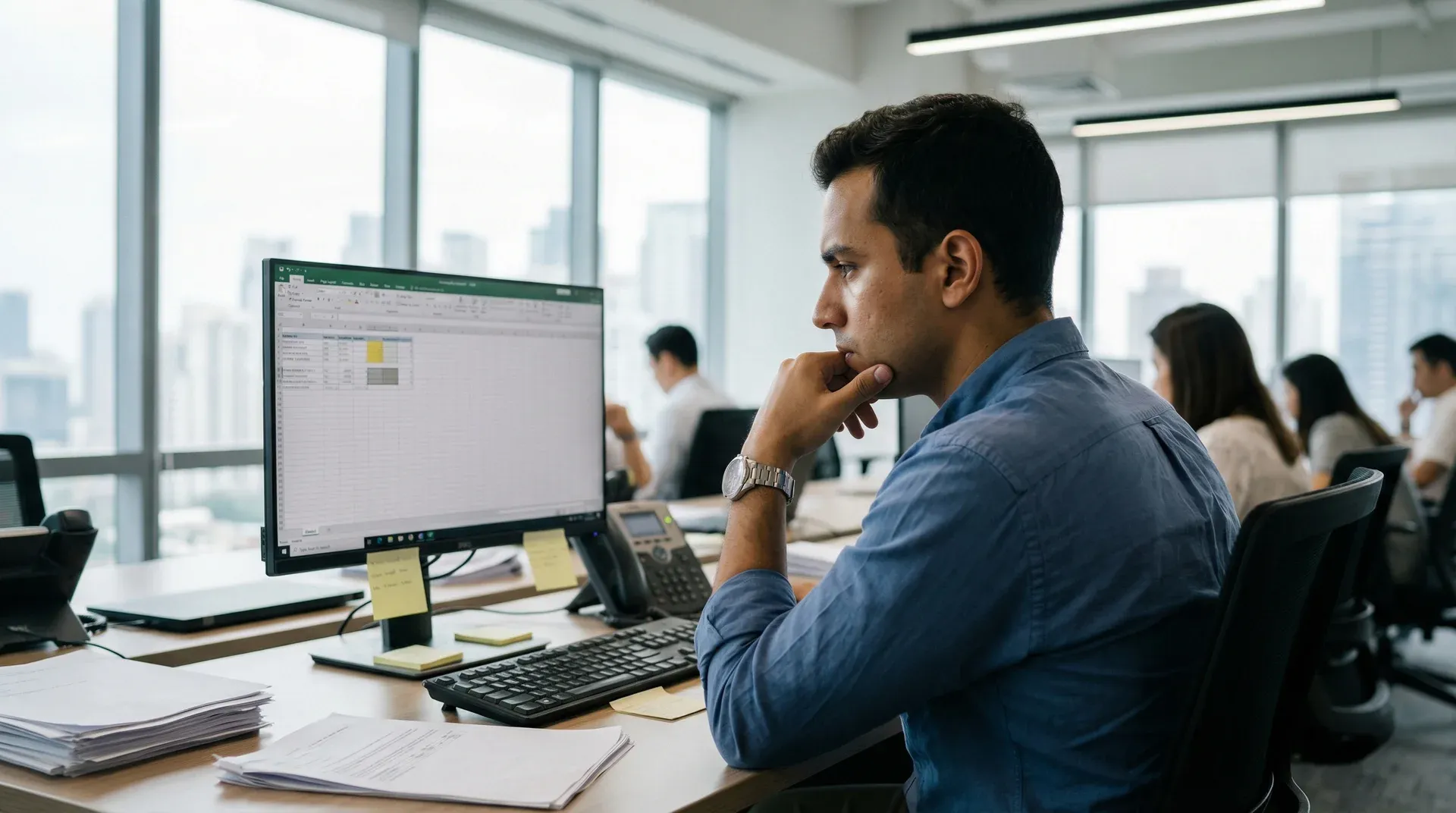
Your job requires a screen. Eight hours a day, minimum. There is no way around that.
But here is the thing most people miss. Not all of those eight hours are productive screen time. A significant portion is unproductive screen time disguised as work.
Checking email every three minutes. Scrolling Slack. Refreshing dashboards that have not changed. Watching a meeting on video when a phone call would do. Reading articles that have nothing to do with the task at hand.
The productive screen time is non-negotiable. The rest is where the damage happens and where the opportunity lives.
The Office Screen Time Problem
Office workers spend an average of 6 to 8 hours per day looking at a screen for work. Add recreational screen time before and after work, and many people exceed 12 hours of total daily screen exposure.
The American Optometric Association reports that over 50% of computer workers experience digital eye strain. The World Health Organization identifies prolonged sedentary behavior as a leading risk factor for chronic disease.
The problem is not that work requires screens. The problem is that the workday has no natural screen breaks built into it. You sit down at 9am and look up at 5pm, and your body has been essentially motionless for 8 hours.
That pattern damages eyes, posture, focus, mood, and long-term health. Not because screens are inherently harmful, but because unbroken screen time is.
Method 1: Separate Productive and Unproductive Screen Time
Start by understanding where your screen hours actually go.
Track one full workday. Write down every time you switch to something that is not directly related to your current task. Email checking. Slack scrolling. News sites. Social media. Random browsing.
Most office workers find that 1 to 3 hours of their workday are spent on screen activities that are not productive. These hours feel like work because they happen at work. They are not work. They are the same compulsive screen behavior that happens at home, just wearing a collared shirt.
Reducing screen time at work does not mean doing less work. It means identifying the screen time that is not work and replacing it with something better.
Method 2: Build Movement Breaks Every 30 Minutes
Your body was not designed to sit in one position staring at a fixed point for hours. The consequences are predictable: eye strain, neck pain, back tension, mental fog, and declining focus.
A 2-minute movement break every 30 minutes prevents all of this from accumulating.
Stand up. Walk to the water cooler. Do a few stretches at your desk. Take the stairs to another floor and come back. Refill your water bottle. Walk to a coworker’s desk instead of sending a message.
Research from the British Journal of Sports Medicine confirms that even brief bouts of physical activity improve cognitive function and attention. The break does not need to be long. It needs to happen before the strain builds.
Set a simple timer on your phone or computer. Every 30 minutes, stand up and move for 2 minutes. That is 32 minutes of movement across an 8-hour day. Your eyes reset. Your posture resets. Your focus resets. The cost to productivity is zero. The benefit to your body is significant.
Method 3: Take Meetings Off-Screen
Not every meeting needs a screen.
Phone calls work for one-on-one conversations. Walking meetings work for brainstorms and casual check-ins. In-person conversations work for anything that does not require sharing a document.
Video calls became the default during the pandemic. For many teams, that default stuck even after offices reopened. But video fatigue is real. Research from Stanford University identified four specific causes of video call exhaustion: excessive close-up eye contact, seeing yourself constantly, reduced mobility, and higher cognitive load.
Before your next meeting, ask: does this need to be a video call? If the answer is no, suggest a phone call or a walk. Your eyes, your posture, and your energy level will benefit.
For meetings that must be on screen, stand during the call. Pace if you can. Turn off self-view so you stop staring at your own face. Small changes reduce the strain significantly.
Method 4: Use Analog Tools for Thinking Work
Not every task requires a screen.
Planning, brainstorming, outlining, reviewing, and creative thinking can all happen on paper. A notebook. A whiteboard. Index cards. These tools engage the brain differently than a screen and give your eyes a genuine break.
A Princeton and UCLA study found that handwriting engages deeper cognitive processing than typing. Writing by hand forces you to summarize and think, not just transcribe.
Keep a notebook at your desk. Use it for meeting notes, to-do lists, project outlines, and random ideas. Every minute spent writing on paper is a minute your eyes are not locked on a screen.
This is not about going fully analog. It is about recognizing that some of your best work does not need a pixel to happen.
Method 5: Batch Email and Messaging
Constant email and Slack checking is one of the biggest sources of unproductive screen time at work.
The University of California, Irvine found that it takes an average of 23 minutes to regain full focus after a distraction. If you check email 10 times during a focused work block, you may never reach deep concentration at all.
Batch your communication into scheduled windows. Check email three times a day: morning, midday, and end of day. Check Slack during natural transition points between tasks, not every time a message appears.
Turn off desktop notifications for email and chat apps. The red badge and the popup are triggers that pull you out of focused work. Removing them does not mean you miss anything. It means you see everything on your schedule instead of theirs.
Most messages do not require an immediate response. The ones that do will reach you by phone.
Method 6: Protect Your Lunch Break
Eating lunch at your desk while staring at a screen is not a break. It is the same activity with food added.
A real lunch break means stepping away from the screen. Eating somewhere else. Going outside if possible. Walking around the building. Sitting in a different room without a device.
This 30 to 60 minute screen-free block in the middle of your day creates a genuine reset. Your eyes recover. Your posture changes. Your brain shifts out of work mode long enough to actually restore energy.
Research shows that workers who take real breaks return to work with better focus and mood than those who work through lunch. The break is not lost productivity. It is an investment in the quality of your afternoon work.
If your workplace culture makes it awkward to leave your desk, start small. Eat in a break room. Walk to a nearby coffee shop. Even 15 minutes away from the screen is better than zero.
Method 7: Set Up Your Workspace to Reduce Strain
If you must look at a screen for hours, the setup matters.
Screen position. The top of your monitor should be at or just below eye level. The screen should be about an arm’s length away. Looking slightly downward is easier on your eyes and neck than looking up or straight ahead.
Lighting. Your screen brightness should match the ambient light in the room. A bright screen in a dark room or a dim screen in bright sunlight forces your eyes to constantly adjust, which accelerates strain.
Font size. If you are leaning forward to read, the font is too small. Increase it. Your eyes will thank you, and you will unconsciously sit back in a healthier position.
Multiple monitors. If you use two screens, position the primary one directly in front of you and the secondary one at an angle. Constantly turning your head to a side monitor creates neck strain that accumulates across weeks.
Blue light. Use your operating system’s built-in night shift or blue light filter, especially in the afternoon and evening. This will not eliminate eye fatigue but it reduces one contributing factor.
These are not dramatic changes. They are adjustments that compound over months and years of daily screen work.
Method 8: Create Screen-Free Bookends for Your Workday
The first and last 30 minutes of your workday do not need to involve a screen.
Morning. Arrive at work and spend 15 to 30 minutes planning on paper. Review your priorities. Write your to-do list by hand. Think through your day before the screen takes over. This sets intention instead of letting email set your agenda.
Evening. Before you leave, close the laptop. Spend 10 minutes writing down what you accomplished, what carries over to tomorrow, and any open questions. This mental offloading prevents work thoughts from following you home.
These screen-free bookends create a buffer between your work screen time and your personal screen time. Without them, you go from work screen to phone screen to home screen with no real break in between.
The average office worker adds 3 to 4 hours of recreational screen time after work. Combined with 8 hours of work screens, that is 11 to 12 hours of total screen exposure. The bookends create a gap where your eyes, brain, and body get to exist without a screen.
Why This Matters Beyond the Office
The screen time you accumulate at work does not stay at work. Its effects follow you home.
Eye strain from 8 hours of monitor use makes evening screen time more damaging. Mental fatigue from constant screen stimulation reduces your capacity for meaningful connection with family and friends. Physical tension from sitting all day makes you more likely to collapse on the couch and scroll instead of moving.
The Screen Time Calculator shows what your total daily screen hours add up to across a lifetime. For office workers, the number is often staggering. Reducing even 1 to 2 hours of unnecessary work screen time changes the lifetime total significantly.
Protecting your health during the workday is not just about work. It is about having energy, focus, and presence left for everything that happens after.
Making Work Screen Breaks Automatic
You will not remember to take breaks consistently. When you are deep in a task, 30 minutes becomes 2 hours without a single pause. The strain builds silently.
Scrolletics addresses this for the screen time outside of work. The app connects recreational screen access to physical exercise. Push-ups, squats, or planks. Your phone counts reps automatically using on-device camera detection. One rep earns one minute.
For office workers, this means the recreational scrolling that fills breaks, commutes, and evenings is preceded by movement. The sedentary pattern from 8 hours of desk work gets counteracted by physical activity that happens automatically as part of your screen routine.
The work screen time is non-negotiable. How you handle the rest of your screen time is the variable that determines whether your body pays the full price or not.
Your Job Needs Screens. Your Body Needs Breaks.
Reducing screen time at work is not about working less. It is about working smarter.
Separate productive from unproductive screen time. Build movement breaks every 30 minutes. Take meetings off-screen when possible. Use analog tools for thinking work. Batch communication. Protect your lunch. Set up your workspace properly. Create screen-free bookends.
These 8 methods do not require your boss’s permission. They do not reduce your output. They protect the body and brain that your career depends on.
Start with one method. The one that fits your day. Add another when the first becomes automatic.
Your job will still require a screen. But your health does not have to be the cost of doing business.
Frequently Asked Questions
How do you reduce screen time when your job requires a computer?
Focus on reducing unnecessary screen time, not total screen time. Replace screen-based habits with analog alternatives where possible: paper notes, whiteboard brainstorms, walking meetings, phone calls instead of video calls. Build movement breaks every 30 minutes. Batch email and messaging into scheduled windows. Protect lunch as a screen-free block. See also: how to reduce screen time.
How much screen time is too much at work?
There is no universal number. The issue is not total hours but continuous hours without breaks. The American Optometric Association reports that over 50% of computer workers experience digital eye strain. If you experience eye strain, headaches, neck pain, or mental fatigue by midday, your screen pattern needs to change regardless of how many hours your job requires.
Does reducing screen time at work improve productivity?
Yes. Research from the University of California, Irvine found that each phone distraction costs 23 minutes of focus recovery. Workers who take regular breaks from screens show improved focus and decision-making. Continuous screen use causes cognitive fatigue that reduces output quality over time. Strategic screen-free periods actually increase total productive work.
What is Scrolletics and how does it help reduce screen time at work?
Scrolletics connects screen access to physical exercise. You do push-ups, squats, or planks, and your phone counts reps automatically using on-device camera detection. One rep earns one minute. For office workers, this means recreational phone scrolling during breaks is preceded by movement, which counteracts the sedentary nature of desk work. No recording, no uploads, fully private.